Settings
In the settings section, you’ll find various options to personalize your experience.
Access from the user menu
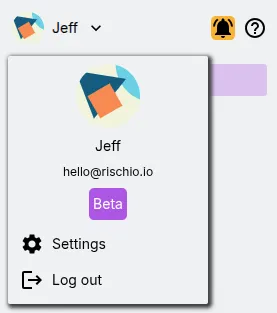
Section titled “Access from the user menu”In the top left corner of the screen, click your name to open the user menu.
Here you’ll find relevant information such as your profile picture, full name, email address, subscription type, as well as settings and a logout link.
Click on Settings.
My Account
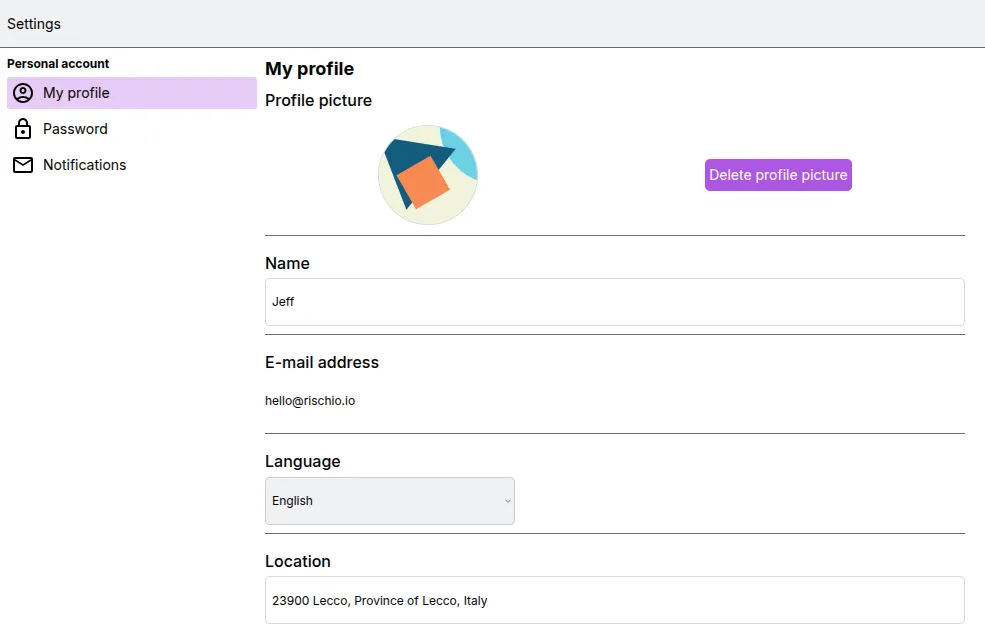
Section titled “My Account”In this tab, you can:
- Update or remove your profile picture
- Update your name
- Edit your location
- Set your language
Security
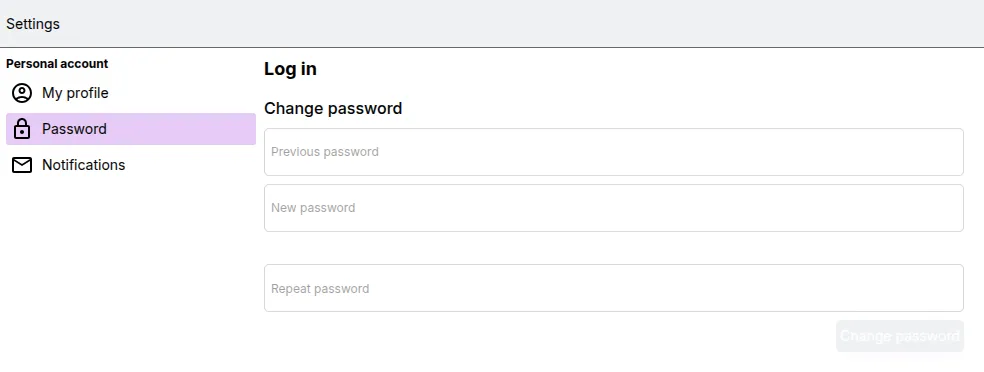
Section titled “Security”In this tab, you can update your password. We recommend changing your password regularly and using a strong one that includes uppercase letters, lowercase letters, numbers, and special characters for better security.
Notifications
Section titled “Notifications”This tab allows you to manage your notification preferences.
Note that changes in this section may take up to 5 minutes to take effect.