Contacts
The Contacts section allows you to manage the people you collaborate with inside Rischio. Contacts are essential for teamwork, enabling you to invite other users to shared projects.
Adding a Contact
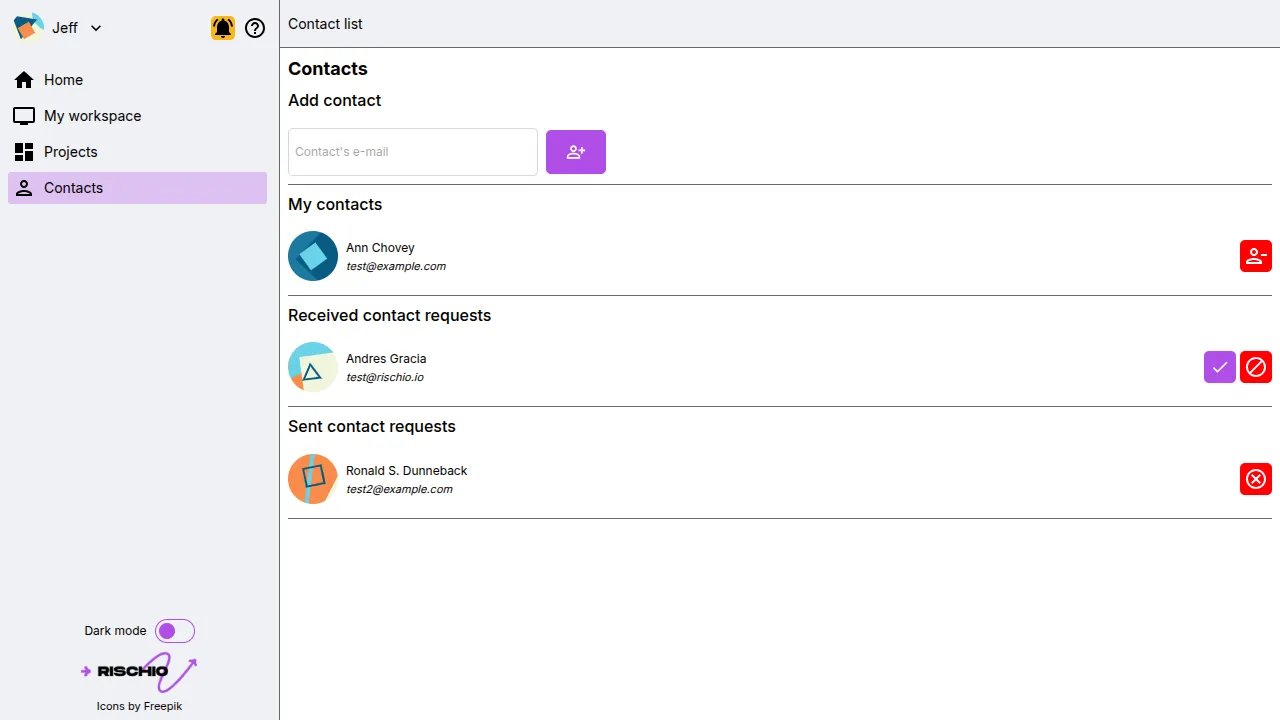
Section titled “Adding a Contact”To add a new contact, simply enter their email address in the Add contact field and click the Add button.
Once submitted, your request will be sent to the specified user.
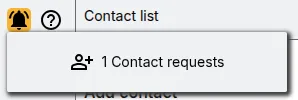
Your contact will immediately appear in the Sent Requests list, indicating that the invitation has been successfully sent. The recipient will also receive an in-app notification or email alert informing them of the pending contact request.
Managing Contact Requests
Section titled “Managing Contact Requests”When the other user accepts your request, the contact will automatically move from Sent Requests to the My Contacts list. From there, you can view all confirmed collaborators available for project sharing.
Removing Contacts
Section titled “Removing Contacts”If you wish to remove a contact, you can do so directly from the My Contacts list. Keep in mind that once a contact is removed, you’ll lose access to shared collaboration features with that person. You will need to re-add them before inviting them again to new or existing projects.
Maintaining an up-to-date contact list ensures smooth collaboration and controlled access to shared resources within Rischio.