
Tutorial 1: Compound channel
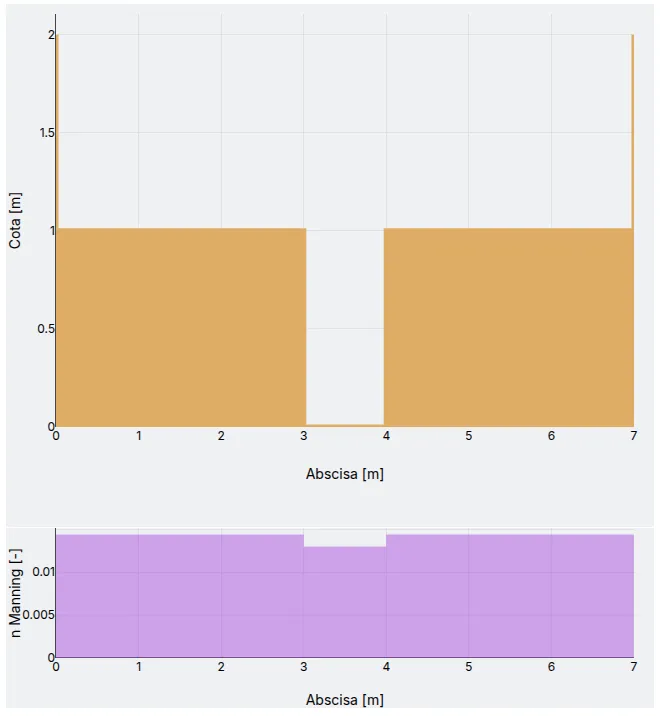
Calculate the hydraulic parameters of the open channel shown in the following figure.
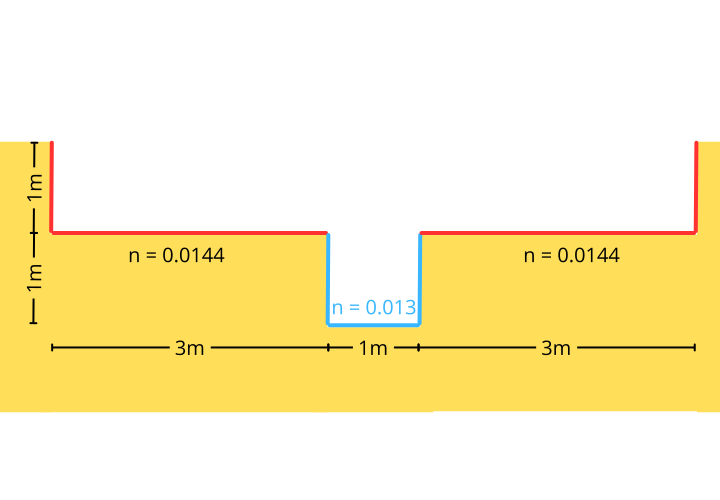
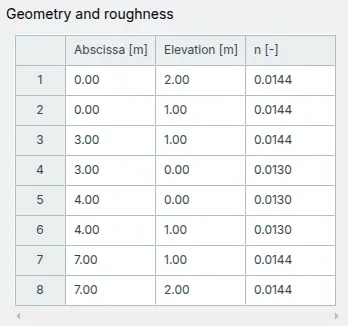
The coordinates of the channel bed are:
| x [] | y [] | n [] |
|---|---|---|
| 0.00 | 2.00 | 0.0144 |
| 0.00 | 1.00 | 0.0144 |
| 3.00 | 1.00 | 0.0144 |
| 3.00 | 0.00 | 0.0130 |
| 4.00 | 0.00 | 0.0130 |
| 4.00 | 1.00 | 0.0130 |
| 7.00 | 1.00 | 0.0144 |
| 7.00 | 2.00 | 0.0144 |
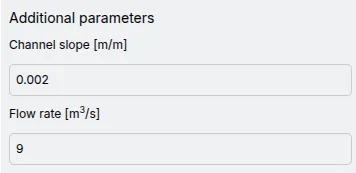
The channel slope is and the flow rate is .
Getting started
Section titled “Getting started”- Whether you are in My workspace or in a project’s work location, go to the App.
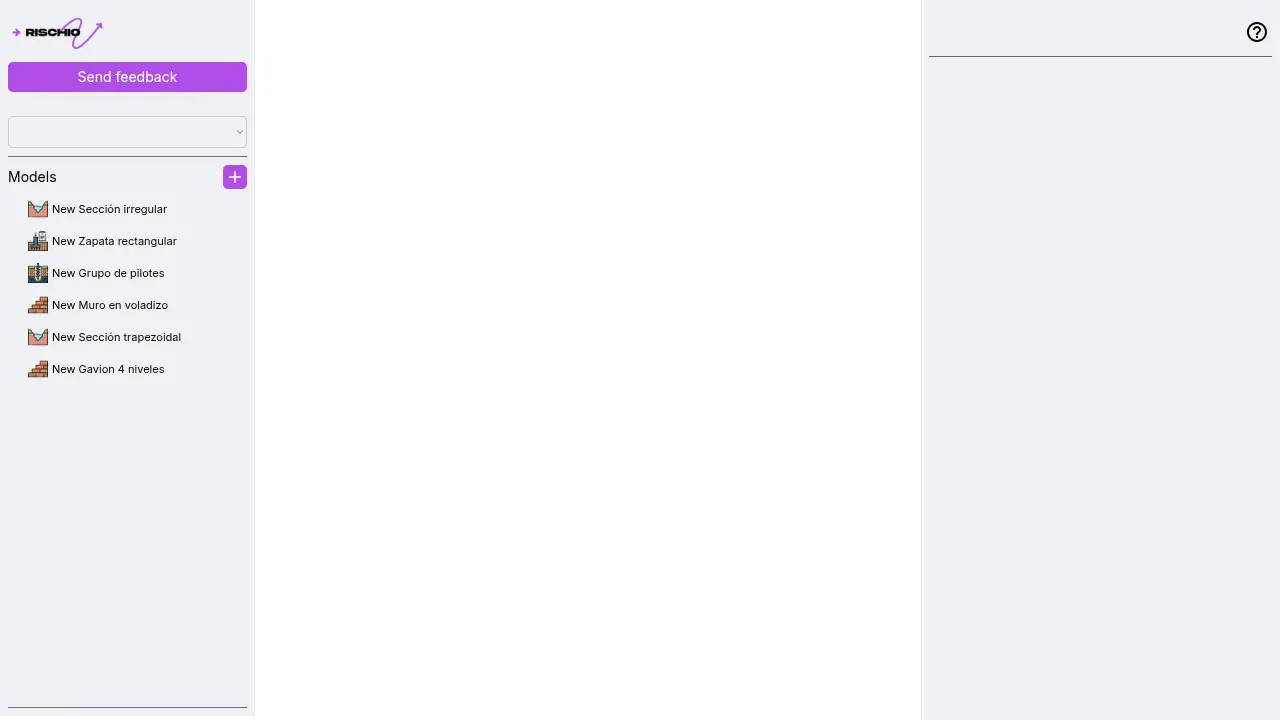
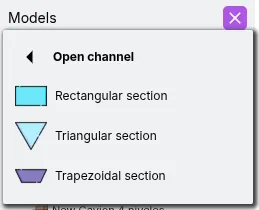
- On the left panel, locate the Models list and click the New model button to open the menu. Then, select Open Channel and choose any template.
Geometry and roughness
Section titled “Geometry and roughness”- In the right panel, locate the Geometry and roughness section. Copy the bed coordinates from this guide, then select the first cell of the editor and paste. Make sure to copy only the values, not the column headers.
Additional parameters
Section titled “Additional parameters”- In this section, input the values for Slope and Flow rate.
Results
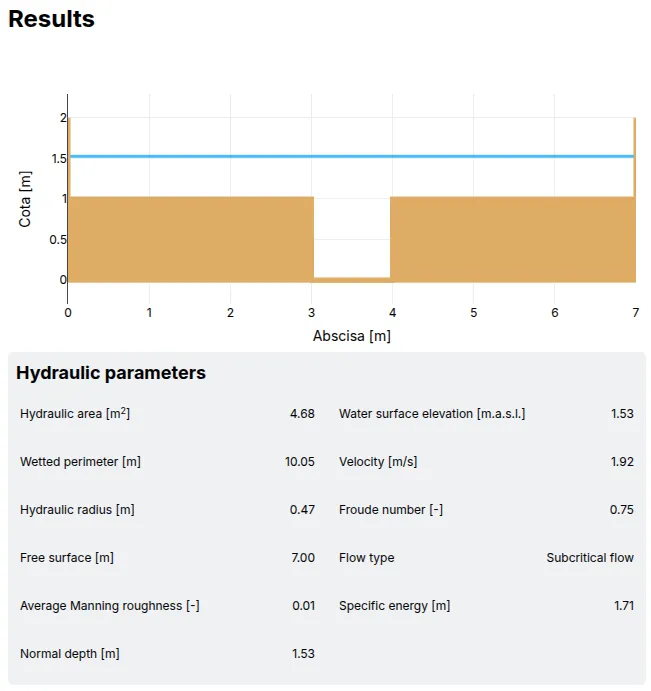
Section titled “Results”- Once all parameters are set, verify that the structure appears as expected.
- Click the icon at the top of the right panel to run the model.

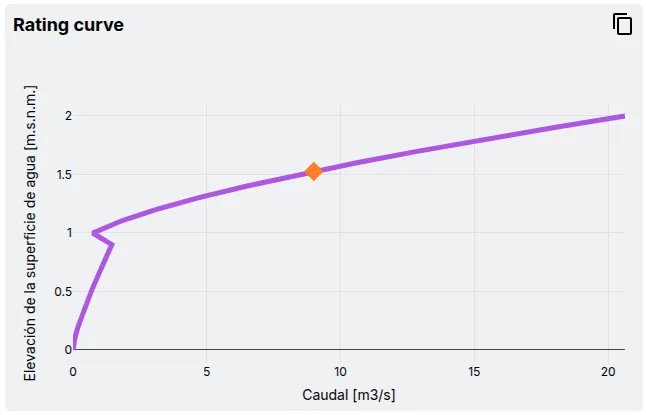
- The Results tab will be enabled and will display the analysis results.