
User Manual
This section provides a detailed description of each feature in the program. It explains how to create, edit, view, and analyze a deep foundation model, as well as how to use the different tools available in the interface.
The purpose of this manual is to serve as a reference for understanding the complete functionality of the software, from the initial project setup to the interpretation of results. You can consult it at any time to resolve specific questions about the use of a feature or workflow.
Input Parameters
Section titled “Input Parameters”Type of Analysis
Section titled “Type of Analysis”The analysis types allow new calculations to be added when running the model.

Currently available analysis types:
- Pile Group
Foundation Soil
Section titled “Foundation Soil”Foundation soil is used to calculate bearing capacity. It supports multiple soil layers.
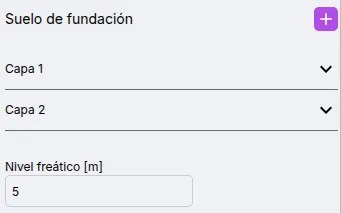
Available parameters for foundation soil:
- Water table level
- Soil layers
Add and Edit Soil Layers
Section titled “Add and Edit Soil Layers”Foundation soil supports multiple layers.
To add a new soil layer, click the button.

A new soil layer will appear in the list.
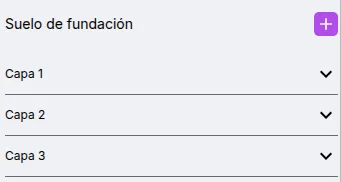
To edit a layer’s parameters, click on it in the list. You can now view and edit the available parameters.
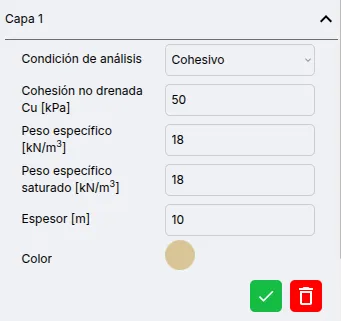
After editing, press the button.

To delete a soil layer, press the button.

Available parameters for soil layers:
- Soil type: Cohesive or frictional
- Undrained cohesion
- Friction angle
- Unit weight
- Saturated unit weight
- Thickness
Structure
Section titled “Structure”Rectangular/square and continuous structures are supported.
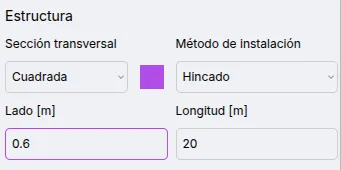
Available parameters:
- Cross section: Circular or square
- Installation method: Driven or bored
- Side/Diameter
- Length
Pile Group
Section titled “Pile Group”Pile groups are arranged in a rectangular grid.
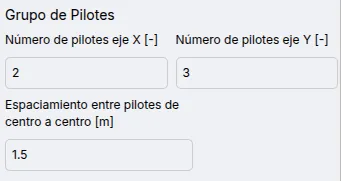
Available parameters for pile groups:
- Number of piles along X axis
- Number of piles along Y axis
- Center-to-center spacing between piles
Loads are used to calculate the safety factor.
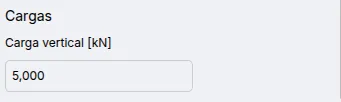
Available parameters:
- Vertical load
Model Verification
Section titled “Model Verification”Implemented checks:
- Pile length must be less than the sum of the soil layer thicknesses.
Results
Section titled “Results”Single Pile
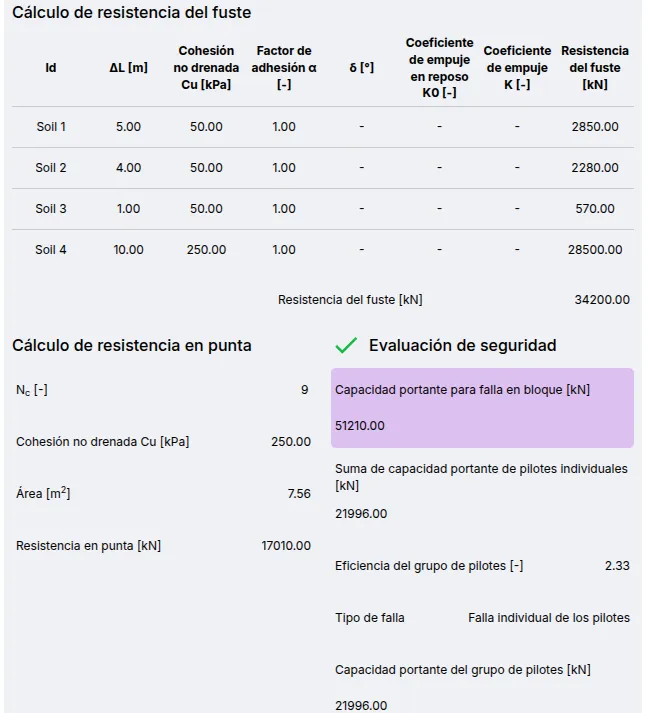
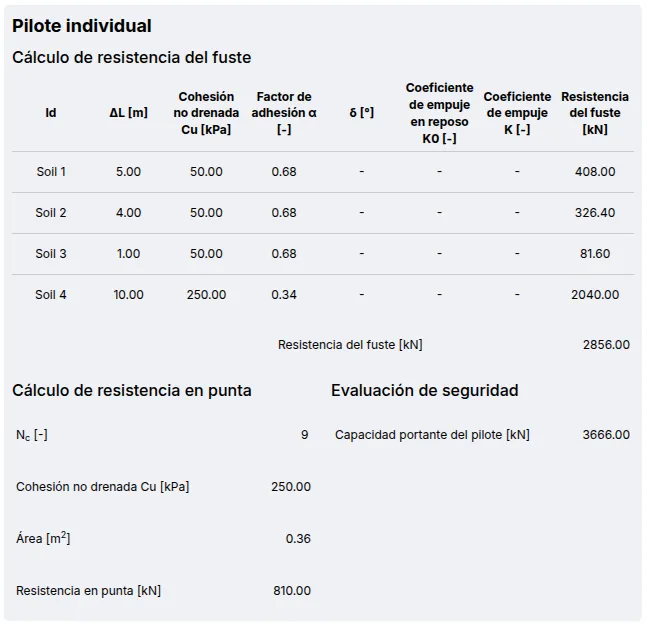
Section titled “Single Pile”Shows the calculation of the bearing capacity of a single pile, including resistance parameters for each soil type along the shaft and at the tip. The safety factor is compared to a value of 3.0.
Pile Group
Section titled “Pile Group”Displays block failure and efficiency calculation results. The safety factor is compared to a value of 3.0.