
The 2026 Engineer’s Guide to Geotechnical Software

This guide is based on industry experience and publicly available information, with no sponsorship from any of the companies mentioned.
Choosing the best geotechnical engineering software isn’t about chasing the biggest brand or the shiniest UI. It’s about fit: your project scale, the soil-structure questions you actually need to answer, and how quickly you must move. Below is a field-tested overview of the tools engineers reach for in day-to-day practice—covering finite elements, limit equilibrium, seepage, and quick checks—so you can build a stack that works.
How to choose (without overthinking it)
- Start simple, then go deep. For quick checks, light geotechnical tools can be faster than spinning up a full FEM model. When interactions get nonlinear or geometry gets tricky, move to geotechnical finite element analysis software.
- Don’t pick software—pick workflows. Pair an LE slope tool with a FEM package, and a seepage module with your stability model.
- Train for what you’ll actually use. Many geotechnical engineering programs teach the big names; the right mix for your firm may be smaller, focused tools plus one heavy-duty modeler.
Bentley + PLAXIS
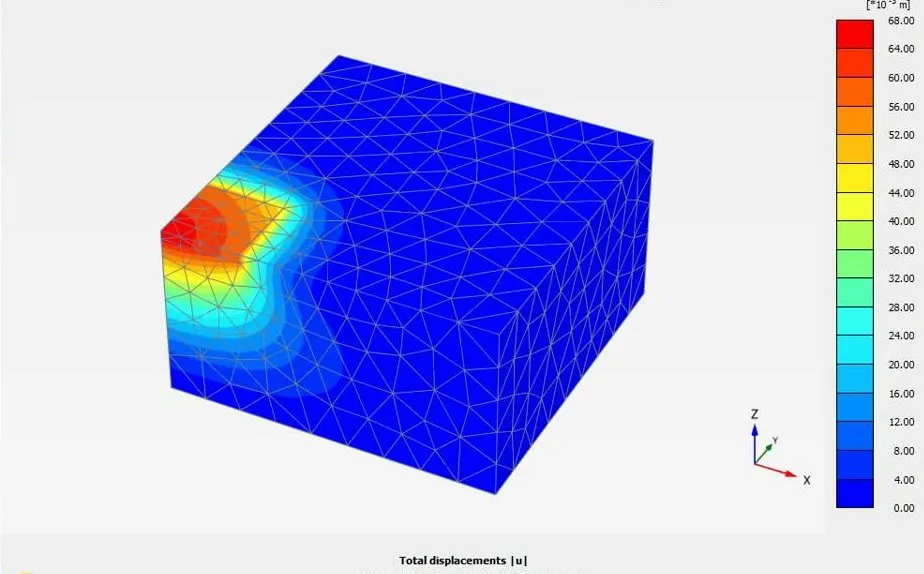
Bentley’s geotechnical lineup is anchored by PLAXIS, widely used for tunnels, deep excavations, embankments, and soil–structure interaction. Since Bentley acquired PLAXIS in 2018, it’s been tightly integrated into Bentley’s ecosystem and continues to be actively developed. If you’re already in MicroStation / OpenBuildings workflows, this is a smooth fit—essentially the flagship of Bentley geotechnical software.
Good for: complex staged construction, ground–water coupling, consolidation, and advanced constitutive models.
Typical role in a stack: the “deep dive” FEM modeler alongside lighter geotechnical design software for quick iterations.
Rocscience Suite (Slide2/Slide3, RS2/RS3, Settle3)
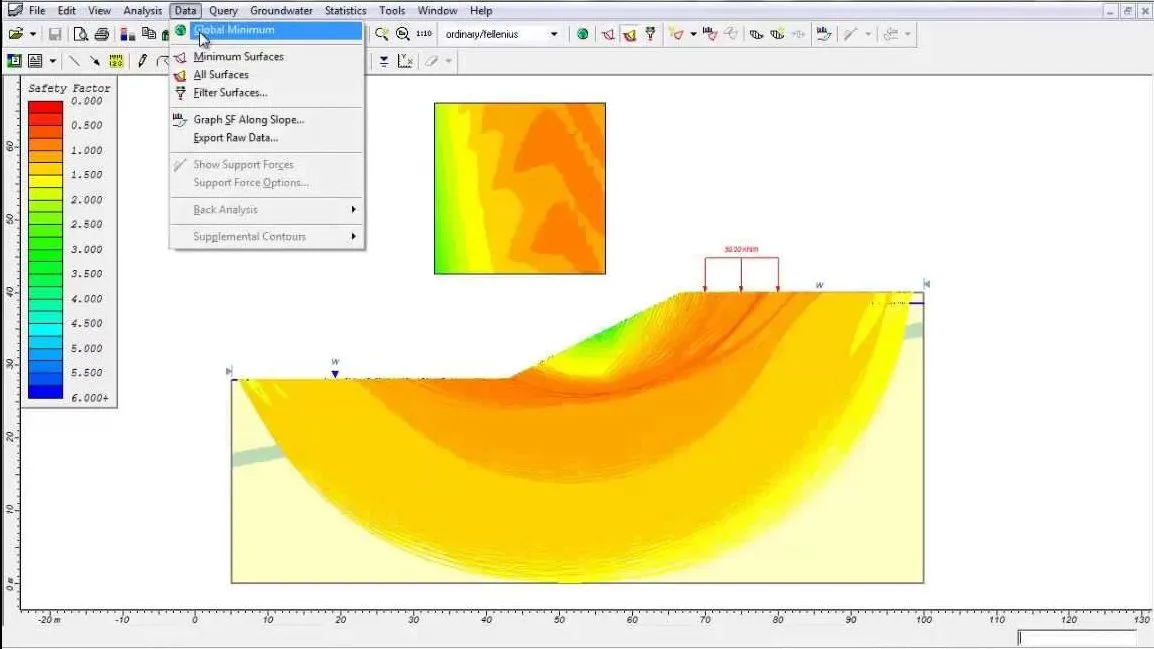
Rocscience offers a practical mix:
- Slide2 / Slide3 for 2D/3D limit-equilibrium slope stability.
- RS2 / RS3 for 2D/3D FEM when you need stress–strain detail.
- Settle3 for settlement and consolidation with an approachable learning curve.
This suite makes it easy to validate an LE result with a FEM cross-check—handy when due diligence matters.
Good for: slopes, excavations, foundations, and cases where you want LE ↔ FEM comparisons.
Typical role: a balanced toolkit covering both geotechnical modelling software (FEM) and everyday design checks.
GEO5 (Fine Software)
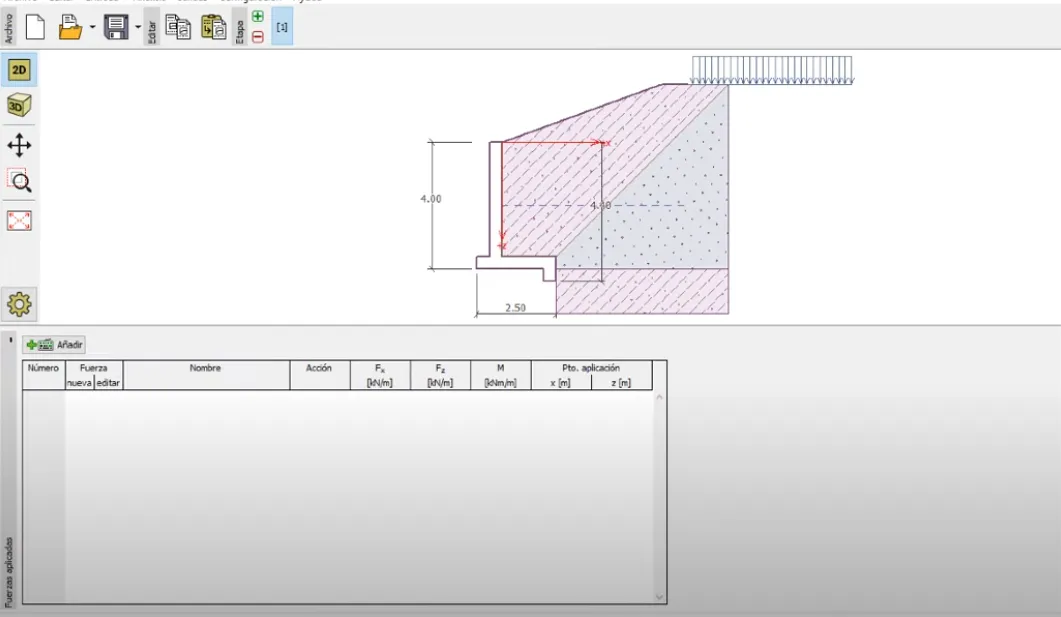
GEO5 is modular: pick a retaining wall module, add shallow or deep foundations, bring in FEM if you need it. It’s popular in small/medium firms that prefer focused tools over one giant suite. The interface is straightforward, and the “choose only what you need” licensing can keep budgets sane.
Good for: routine retaining structures, shallow/deep foundations, and incremental adoption.
Typical role: practical software geotechnical engineering workflows with just-right modules.
GeoStudio (Seequent, a Bentley company)
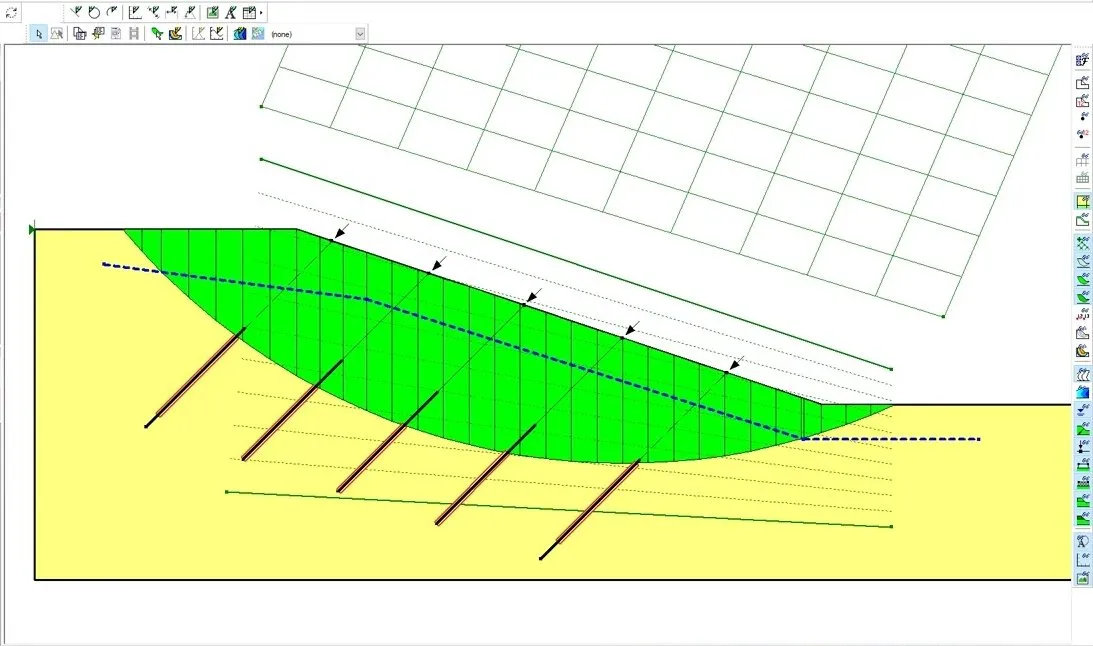
GeoStudio splits work into specialized modules—SLOPE/W (stability), SEEP/W (seepage), SIGMA/W (stress–strain)—that connect well for coupled problems. If you like purpose-built apps that talk to each other, this bundle is a solid pick.
Good for: slope–seepage coupling, embankments, dams, earthworks.
Typical role: structured, textbook-friendly analyses that scale to real projects.
FLAC geotechnical software (Itasca)
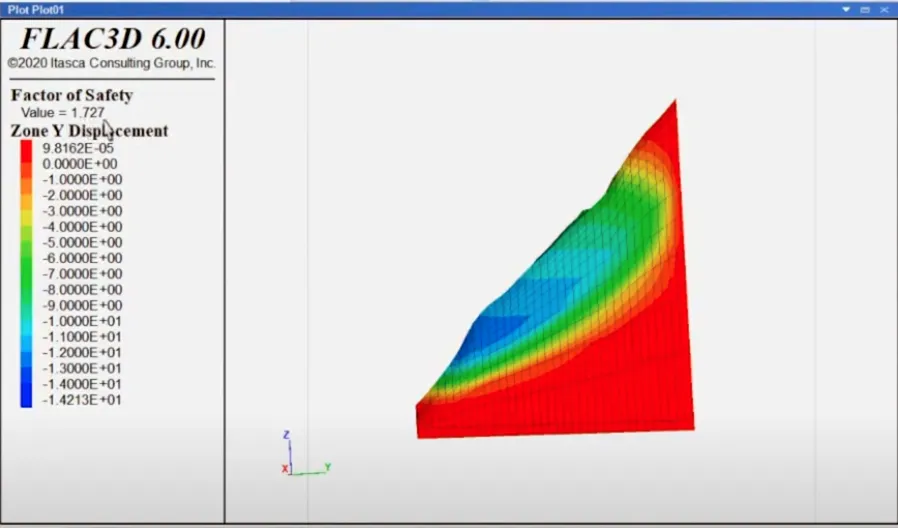
When people say FLAC geotechnical software, they usually mean Itasca’s FLAC2D/FLAC3D—workhorses for continuum modeling in soil and rock. It has a loyal following in research and in projects where you need fine control over material behavior and staging. Expect a steeper learning curve—and deep capability.
Good for: advanced constitutive modeling, dynamic problems, slopes and underground works with complex physics.
Typical role: the “power user” engine you call in for non-standard behavior.
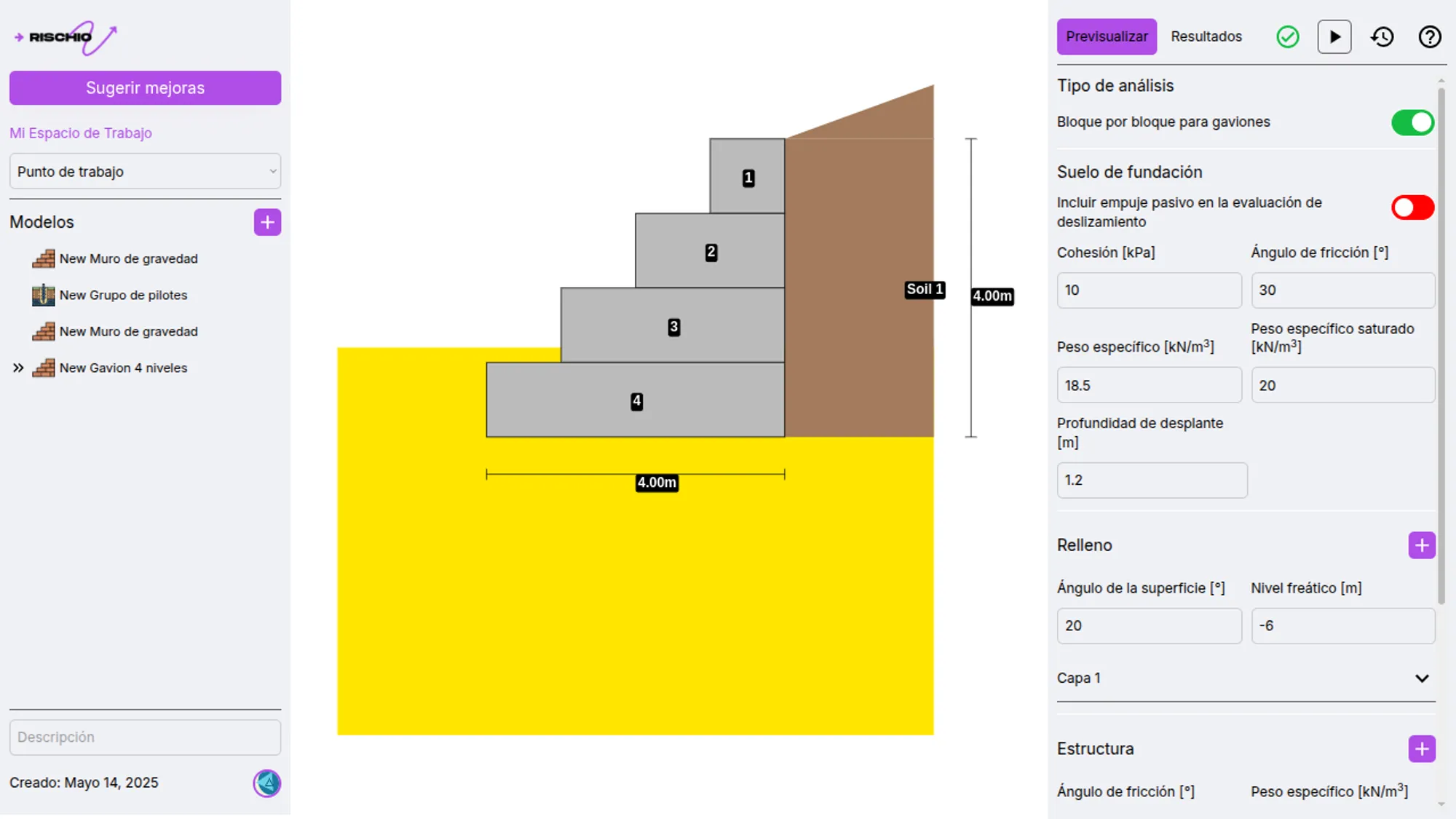
Rischio
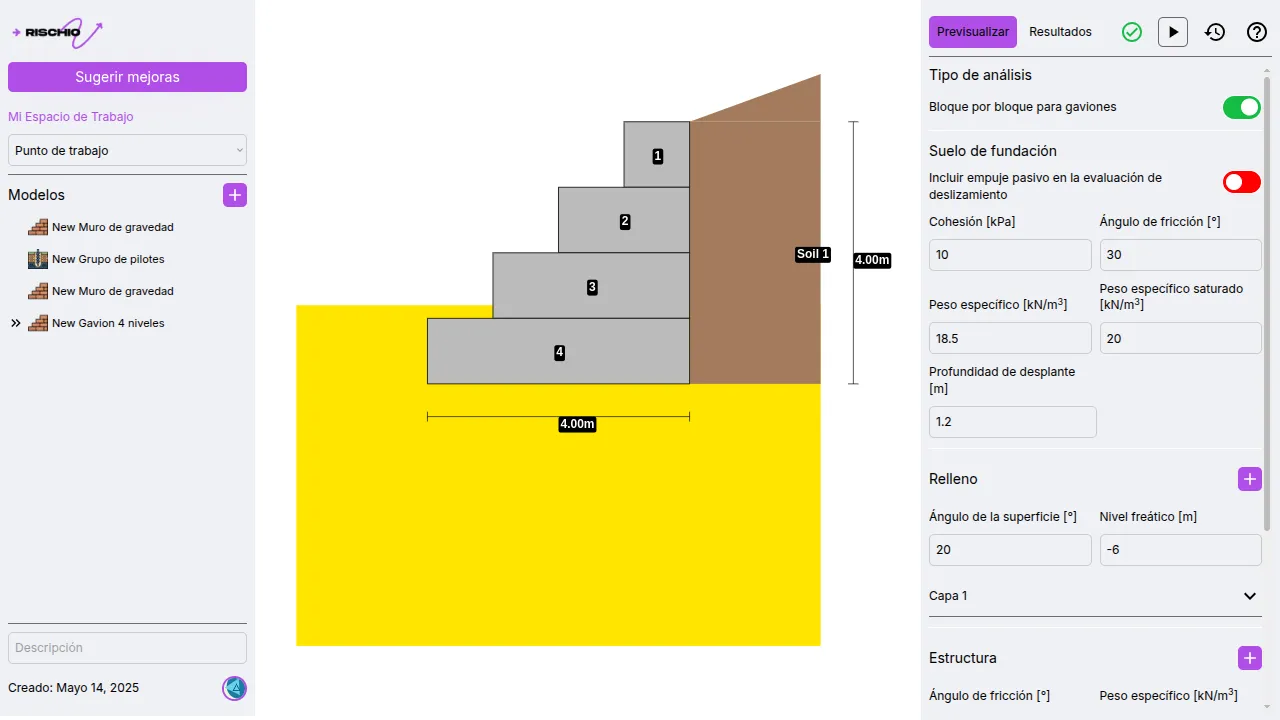
Rischio is a newer player in the market, designed to make advanced geotechnical modeling more accessible. Built for speed and clarity, it’s particularly strong in visualization, with outputs that communicate results clearly to both engineers and stakeholders. While lighter than some heavyweight FEM packages, it strikes a balance between detail and ease of use—ideal for firms that need reliable results without days of setup.
Good for: engineers who want a fast, clean workflow without sacrificing rigor.
Typical role: everyday analysis tool for small to mid-scale projects, and a complement to high-end FEM software for quick scenario testing.
Quick picks by scenario
- Small retaining wall, shallow foundation, settlement check: GEO5 module, Settle3, or Rischio for speed; verify with a simple hand calc.
- Large excavation near sensitive structures: PLAXIS or RS2/RS3 for staged FEM; consider seepage/stability coupling.
- Mine slope, complex geology, dynamic loading: FLAC3D or Slide3 + RS3 depending on whether you need LE, FEM, or both.
So… what’s the best geotechnical software?
There isn’t one. The top geotechnical engineering software for your job depends on:
- Complexity (do you need nonlinear FEM, or will LE suffice?)
- Time (quick decision vs. full numerical study)
- Data quality (garbage in, garbage out—no exceptions)
- Team skills (what you know beats what you own)
A pragmatic stack many teams like: an LE slope tool (Slide2/Slide3 or SLOPE/W), one FEM workhorse (PLAXIS, RS2/RS3, or FLAC), plus targeted modules for settlement, seepage, or foundations. That mix lets you start fast and go deep only when the project truly demands it.
Disclaimer
All trademarks, product names, and company names are the property of their respective owners. Use is for identification purposes only.